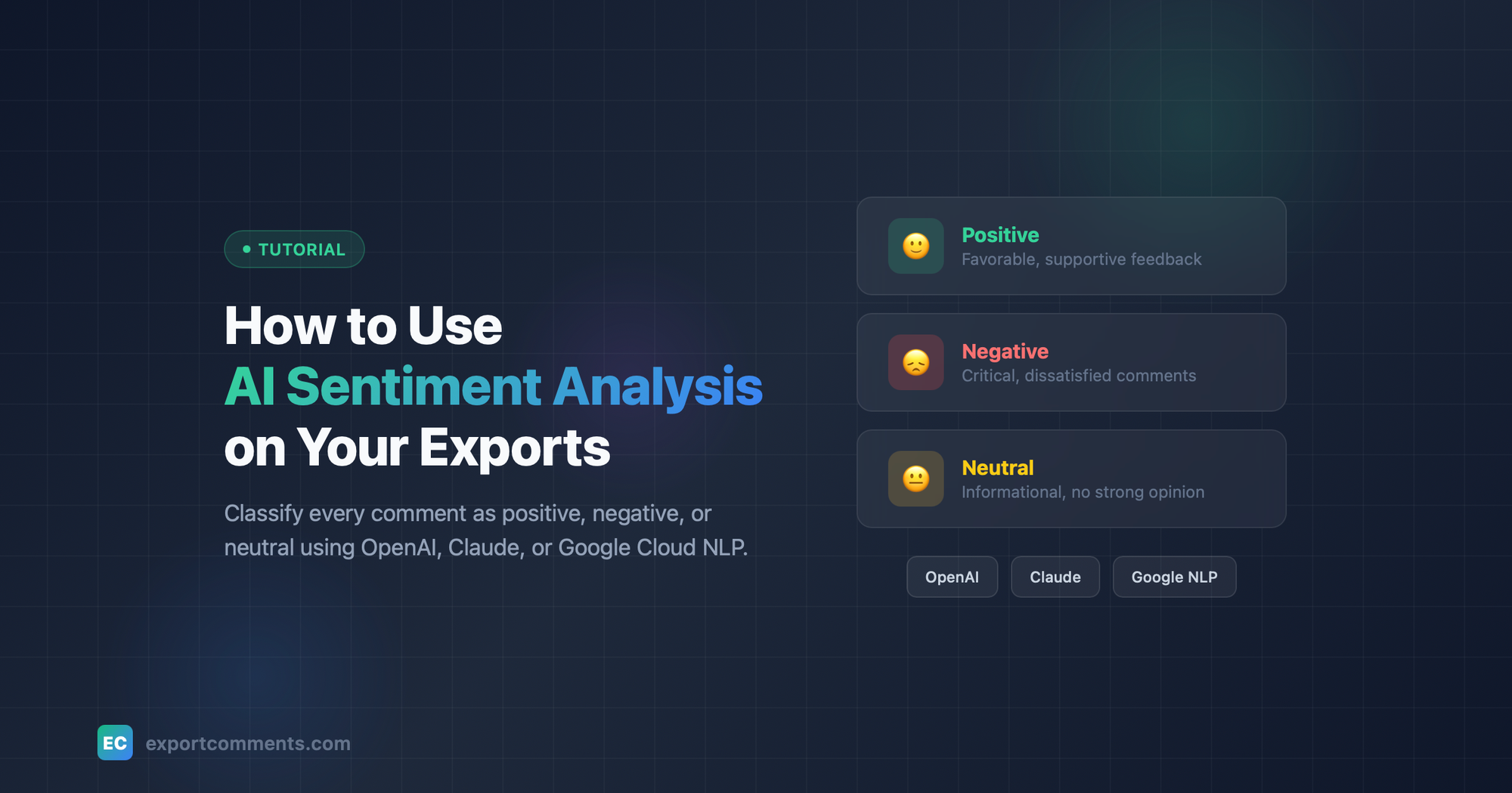
Understanding how your audience feels shouldn't require reading thousands of comments manually. ExportComments' sentiment analysis automatically
classifies every comment as positive, negative, or neutral — and now you can choose which AI provider powers it.
What is Sentiment Analysis?
Sentiment analysis uses AI to detect the emotional tone behind text. When you export comments from platforms like YouTube, Instagram, Facebook,
TikTok, or Amazon, each comment gets a color-coded sentiment label in your spreadsheet:
- Green — Positive (favorable, supportive)
- Red — Negative (critical, dissatisfied)
- Yellow — Neutral (informational, no strong opinion)
This helps you quickly spot trends, identify unhappy customers, or measure campaign reception without reading every single comment.
Free vs. Paid Sentiment Analysis
Free Mode
Every user gets basic sentiment analysis at no cost:
- Analyzes up to 10 comments per export
- Uses the first 50 characters of each comment
- English language only
- Powered by TextBlob (text-based analysis)
This is great for quick tests and small exports.
Paid Mode (Bring Your Own API Key)
For serious analysis, connect your own AI provider for unlimited, multilingual sentiment analysis across all your comments. You have three options:
| Provider | Best For | Model |
|---|---|---|
| OpenAI | Fast, cost-effective analysis | GPT-3.5 Turbo |
| Claude (Anthropic) | Accurate, nuanced understanding | Claude Haiku |
| Google Cloud NLP | Purpose-built sentiment API, no prompts needed | Cloud Natural Language v2 |
Step-by-Step Setup
Step 1: Get Your API Key
Choose your preferred provider and create an API key:
- OpenAI: Go to platform.openai.com/account/api-keys and create a new key (starts with sk-)
- Claude: Go to console.anthropic.com/settings/keys and create a new key (starts with sk-ant-)
- Google Cloud NLP: Go to console.cloud.google.com/apis/credentials, enable the Cloud Natural Language API, and create an API key
Step 2: Configure Your Provider in ExportComments
- Log in to your ExportComments dashboard
- Navigate to API in the sidebar
- Scroll down to the AI Sentiment Analysis section
- Select your provider by clicking the corresponding card
- Paste your API key
- Click Save Changes
Your key is stored encrypted and is only used for sentiment analysis on your exports.
Step 3: Run Sentiment Analysis on an Export
- Export comments from any supported platform as usual
- Once the export is complete, click Run Sentiment Analysis on the results page
- You'll see which provider will be used (e.g., "Run Sentiment Analysis via Claude")
- Wait for the analysis to complete — large exports may take a minute
- Download your file — sentiment values are color-coded automatically
Step 4: Read the Results
Open your Excel file and you'll find:
- A Sentiment column with color-coded cells for each comment
- A Sentiment Legend sheet explaining what each color means
- Use Excel's built-in filter on the Sentiment column to isolate positive, negative, or neutral comments
Tips for Best Results
- Longer comments = better accuracy. One-word comments like "nice" are harder to classify than detailed feedback.
- Google Cloud NLP is the only provider with a dedicated sentiment API — it doesn't use prompt engineering, so it tends to be more consistent for pure
sentiment scoring. - Claude excels at understanding nuance and sarcasm in longer text.
- OpenAI offers the best balance of speed and cost for high-volume exports.
- You can switch providers anytime — just go back to API settings and select a different one.
- To revert to the free version, click Remove on your API key.
Supported Platforms
Sentiment analysis works on exports from all text-based platforms including Facebook, Instagram, YouTube, TikTok, Twitter/X, Reddit, Discord, Amazon,
Google Reviews, Trustpilot, Steam, LinkedIn, Etsy, Shopee, and 30+ more.
Cost Considerations
ExportComments does not charge extra for sentiment analysis. However, using a paid AI provider means API calls are billed by that provider at their
standard rates. For reference:
- OpenAI GPT-3.5 Turbo: ~$0.002 per 1,000 comments
- Claude Haiku: ~$0.001 per 1,000 comments
- Google Cloud NLP: ~$1 per 1,000 comments (first 5,000/month free)
For most users, even a large export of 10,000 comments costs less than a cup of coffee.
Have questions? Reach out to our support team or check the API documentation for programmatic access to sentiment analysis.