ExportComments MCP: drive comment exports from Claude, Cursor, and any AI assistant
Connect ExportComments to Claude Desktop, Claude on the web, Cursor, Windsurf, or any MCP-compatible AI assistant. Your assistant can then create exports, poll status, download data, summarise complaints, and pick giveaway winners — all without leaving the chat.
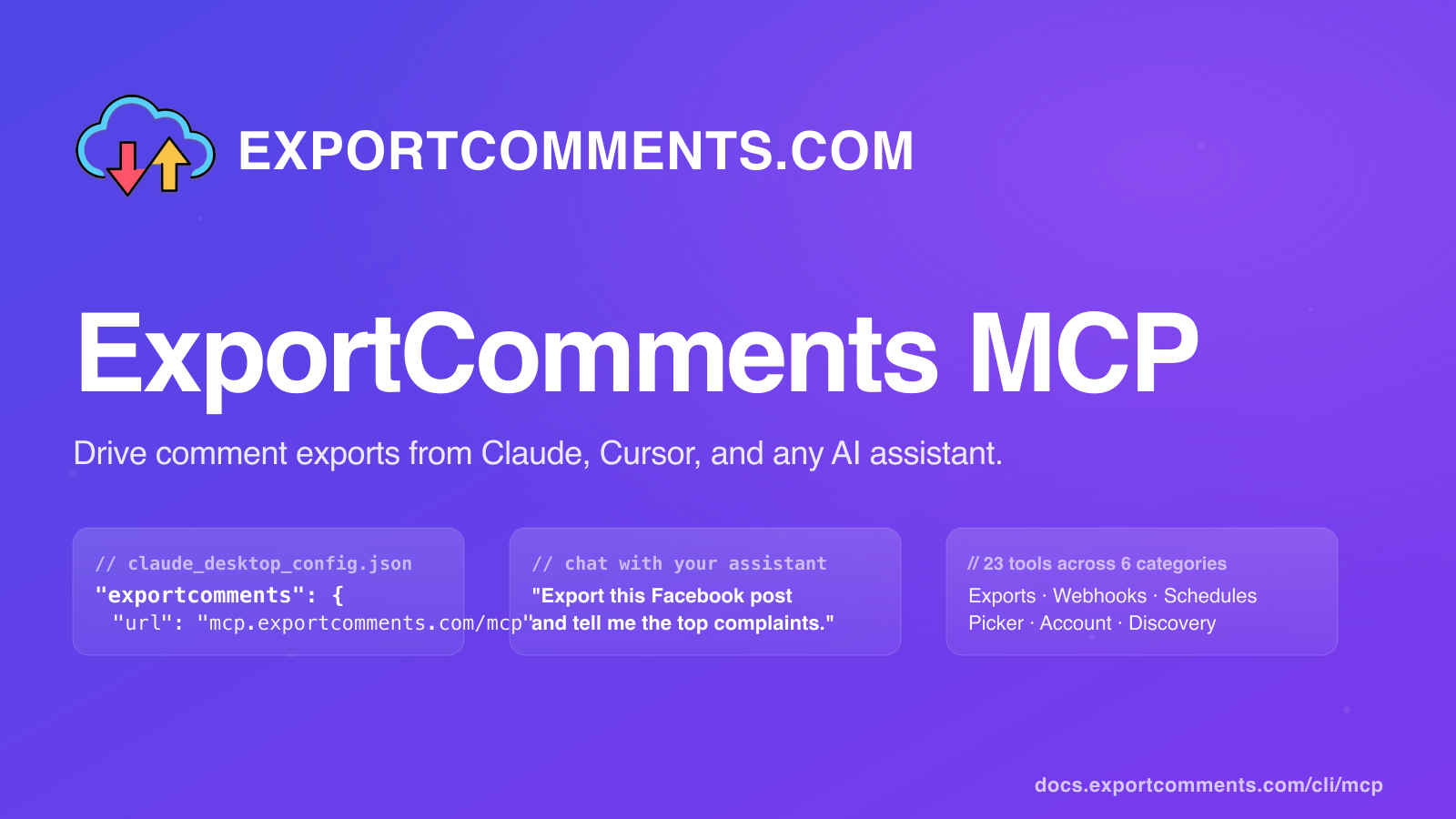
If you already use Claude, Cursor, or another AI assistant, ExportComments now plugs in directly — your assistant can run exports, pick giveaway winners, and schedule recurring jobs without you ever leaving the chat.
What is MCP and why use it for ExportComments
The Model Context Protocol (MCP) is an open standard that lets AI assistants talk to external tools in a controlled, auditable way. Think of it like a USB-C port for AI: any compatible client (Claude Desktop, Claude on the web, Cursor, Windsurf, custom agents…) can plug into any MCP server and gain new capabilities instantly.
The ExportComments MCP server exposes the full account surface — exports, status checks, downloads, the giveaway picker, webhooks, scheduled exports — as tools your assistant can call on its own. Instead of pasting URLs into a browser and waiting for an export to finish, you simply tell the assistant what you want:
- "Export the last 5 000 comments from this Facebook post and tell me the top 3 complaints." — Claude calls
export_comments, pollscheck_export, fetchesdownload_export, and summarises the result itself. - "Pick 5 random winners from yesterday's giveaway who mentioned @mybrand." — Claude calls
export_comments, thenpick_random_winnerswith your filters. - "Every Monday at 09:00 UTC, export the new Trustpilot reviews and POST them to https://my-app.com/webhook." — Claude wires up a webhook and a scheduled export.
Everything still runs on your existing ExportComments account — same plan, same quotas, same export-history page. MCP is just a new front door.
Two ways to install
Pick whichever fits your workflow. Both expose the same 23 tools; the difference is where the MCP server runs.
- Hosted at
mcp.exportcomments.com(recommended). Nothing to install. Your MCP client connects over HTTPS, walks an OAuth sign-in flow in your browser, and stores the access token automatically. Best for Claude on the web, Cursor, Windsurf, and any client that supports remote MCP servers. - Self-installed
exportcomments-cli. A Node.js MCP server that runs locally over stdio. Authenticates via your existing API token or an OAuth JWT. Best for Claude Desktop and automation scripts.
Path 1: Hosted MCP (no install)
This is the easiest path for Claude Desktop, Cursor, and Claude on the web. Point the client at the URL and let the OAuth flow handle the rest.
Claude Desktop / Cursor — edit your claude_desktop_config.json (macOS: ~/Library/Application Support/Claude/claude_desktop_config.json) or mcp_servers setting:
{
  "mcpServers": {
    "exportcomments": {
      "url": "https://mcp.exportcomments.com/mcp"
    }
  }
}
Restart the client. On the first tool call, it'll open exportcomments.com in your browser, ask you to sign in, click Authorize, and you're done. The access token is stored inside your client; you'll never see or copy it.
Claude on the web — go to Settings → Connections → Add custom MCP, paste https://mcp.exportcomments.com/mcp, and walk the OAuth flow.
If you'd rather use a long-lived API token instead of OAuth, swap the URL config for a headers variant:
{
  "mcpServers": {
    "exportcomments": {
      "url": "https://mcp.exportcomments.com/mcp",
      "headers": {
        "Authorization": "Bearer YOUR_API_TOKEN_HERE"
      }
    }
  }
}
Path 2: exportcomments-cli (self-installed stdio)
If your client can spawn a local process (Claude Desktop does this) and you'd rather keep everything on your machine, install the CLI:
npm install -g exportcomments-cliThen in claude_desktop_config.json:
{
  "mcpServers": {
    "exportcomments": {
      "command": "npx",
      "args": ["-y", "exportcomments-cli"],
      "env": {
        "EXPORTCOMMENTS_API_TOKEN": "your-token-here"
      }
    }
  }
}
For Claude Code (CLI):
claude mcp add exportcomments -- npx -y exportcomments-cli
export EXPORTCOMMENTS_API_TOKEN="your-token-here"
Grab your API token from app.exportcomments.com/user/api. The same token works for the REST API and the CLI.
The full tool catalog
Both the hosted MCP and exportcomments-cli expose 23 tools across six categories:
- Exports —
export_comments,check_export,list_exports,download_export. Create a new export job, poll it, list past jobs, and download the result as raw JSON. - Discovery —
detect_platform,list_platforms. Validate a user-supplied URL against the supported-platform catalog before creating an export. - Account —
get_my_profile,get_my_quota,get_my_limits. Tier, daily-request quota, concurrent slots, rate-limit state — useful before kicking off expensive exports. - Picker —
pick_random_winners. FTC-compliant random selection from a completed export, with optional filters (require_mention,require_hashtag,require_text) and dedupe-by-user. - Webhooks —
list_webhooks,create_webhook,update_webhook,delete_webhook,toggle_webhook,test_webhook. Subscribe a URL to events likeexport.finishedorexport.failed; webhooks are signed via HMAC-SHA256 for verification. - Schedules —
list_schedules,create_schedule,update_schedule,delete_schedule,run_schedule,pause_schedule,resume_schedule. Recurring exports on a cron or friendly frequency (hourly,daily,weekly,monthly).
Full parameter reference: docs.exportcomments.com/cli/mcp-tools.
Example workflows
1. Extract Facebook complaints in one prompt
"Use exportcomments to extract the last 2 000 comments from https://www.facebook.com/some-page/posts/1234567890, then tell me the top 5 complaints with example quotes."Claude will:
- Call
detect_platformto confirm the URL is a supported Facebook post. - Call
export_commentswithurl,limit=2000,wait=true— single round-trip, no polling code. - Pull
download_exportto retrieve the comment JSON. - Cluster the complaints itself and return a clean Markdown answer with 5 complaint themes and quotes.
2. Pick giveaway winners
"From the giveaway post at https://www.instagram.com/p/ABC123/, pick 5 random winners who mentioned @mybrand and used the #giveaway tag. Skip duplicates."- Claude calls
export_commentson the URL withwait=trueto grab every comment. - Then
pick_random_winnerswithcount=5, require_mention="@mybrand", require_hashtag="#giveaway", dedupe_by_user=true. - You get a winner list with usernames, comment text, and permalinks — copy-paste-ready for an FTC-compliant public draw video.
3. Recurring weekly Trustpilot export → webhook
"Every Monday at 09:00 UTC, export new Trustpilot reviews for example.com and POST them to https://my-app.com/hooks/trustpilot."- Claude calls
create_webhookwithevent="export.finished", url="https://my-app.com/hooks/trustpilot". - Then
create_schedulewithurl="https://www.trustpilot.com/review/example.com", cron="0 9 * * 1", options.replies=true. - Every Monday, the schedule fires, the export runs, and your endpoint receives a signed POST with the new reviews. No app code on your side beyond receiving the webhook.
Troubleshooting
Unauthorized: missing or invalid Bearer token
You're hitting the hosted MCP without auth. Either complete the OAuth flow (most clients open the browser automatically on the first call) or include Authorization: Bearer <your-token> in your client config.
OAuth access token expired after an hour
OAuth access tokens currently last 60 minutes. Most clients re-run the OAuth flow automatically when they see a 401. If yours doesn't, sign in again from the client's connector settings, or fall back to a long-lived API token from app.exportcomments.com/user/api.
npx exportcomments-cli can't find Node on Claude Desktop
Claude Desktop sometimes can't see Node installed via Homebrew or nvm because its PATH is restricted. Point the command at the absolute Node path instead, e.g. /usr/local/bin/node, with args: ["/path/to/node_modules/exportcomments-cli/dist/mcp.js"].
Visiting mcp.exportcomments.com in a browser redirects to the homepage
That's intentional — mcp.exportcomments.com is a JSON-RPC endpoint, not a website. The MCP path is /mcp (POST). Direct browser visits are bounced to exportcomments.com so you don't get a confusing JSON error page.
Tool returns "Invalid event 'export.completed'"
The valid webhook events are export.created, export.finished, export.failed, and export.requeued. export.finished is the one you want for "the export is done".
Plan limits and pricing
The MCP server runs on your existing ExportComments account. Plan caps apply: Free 100 results / Personal 5 000 / Premium 50 000 / Business 250 000 per export. See pricing.
FAQ
- Does using the MCP cost extra?
No. The MCP just lets your AI assistant call the same REST API your account already uses. You pay only for your ExportComments subscription; the assistant runs on your existing Claude / Cursor subscription. - Which AI assistants are supported?
Anything that speaks MCP: Claude Desktop, Claude on the web (custom connectors), Cursor, Windsurf, Claude Code, and any custom agent built on the MCP SDK. - Is the OAuth flow safe?
Yes — standard OAuth 2.0 with PKCE. You sign in atexportcomments.com, approve the scope, and the assistant receives a short-lived bearer token. The token is scoped to your account and revocable. - Can I limit which tools the assistant sees?
Yes — set theEXPORTCOMMENTS_TOOLSenv var to a comma-separated list of categories (exports,account,discovery,picker,webhooks,schedules) or individual tool names. Anything not listed is hidden from the assistant. - Will my exports show up in my account history?
Yes. Every export the assistant creates appears in your normal export-history view, can be downloaded as Excel / CSV / JSON, and counts against your usual plan quotas. - What about private posts or platforms that need cookies?
Pass them through the same way you would via the web UI —export_commentsaccepts acookiesobject. See the tool reference for the full parameter list. - Where do I report a bug or request a tool?
Email support@exportcomments.com, or open an issue on github.com/exportcomments/exportcomments-cli.
That's it — point your assistant at the hosted endpoint, ask in plain English, and let it drive the exports for you. Full reference: docs.exportcomments.com/cli/mcp.